
Home
ContactImprint
Users guideAdministrators guideProgrammers Guide
Users guide
1Login and Settings[+]
1.1Login and Desktop
1.2Change password
1.3Settings
2Folder, documents and content
2.1cmsExplorer
2.2Document window
2.3Document input fields
2.3.1Richtext
2.3.2Date
2.3.3Documentlist
2.3.4Medium
2.3.5Picture editing
2.3.6Category
2.3.7Grid
2.4Internal links
2.5Publication
3Tools
3.1Document search
3.2Picture search
3.3Workbook
3.4Research windows
3.5Messenger
3.6Update-Manager
4Administration
4.1Document types
4.2User administration
4.3User groups
5Tipps and Tricks
5.1Often asked questions
5.2Cheat sheet: cmsExplorer
5.3Cheat sheet: Desktop
Related topics by keyword
desktop
Change password
Login and Desktop
Workbook
overview
Document input fields
Folder, documents and content
Research windows
Tools
Users guide
Administrators guide
Caching within cmsWorks: Overview
Programmers guide
cmsWorks programmers guide - an overview

1Login and Settings

« previous chapternext chapter »

The first thing to start with cmsWorks is to login to the cmsWorks editors desktop. Note: For security reasons you should, after login, change your password and check the user settings.

To do so you will need the URL to your cmsWorks installation, your login and password (which will be provided by your administrator).
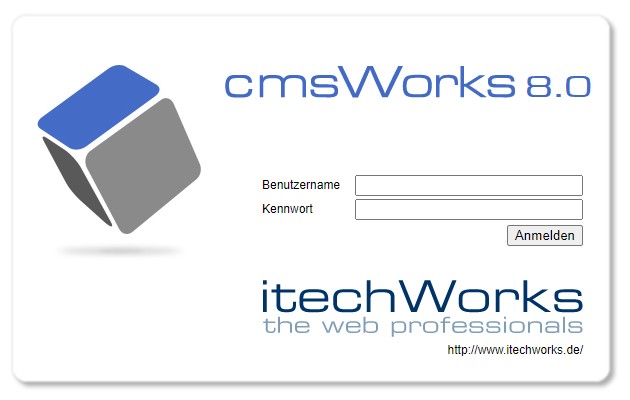
Login

The cmsWorks login screen

« previous chapternext chapter »
Copyright © 2022 itechWorks, powered by cmsWorks 8.0