
3.3Workbook
The Workbook is a tool which helps finding documents from different perspectives additionally. With a click on the icon in the lower right corner of the desktop it can be toggled.
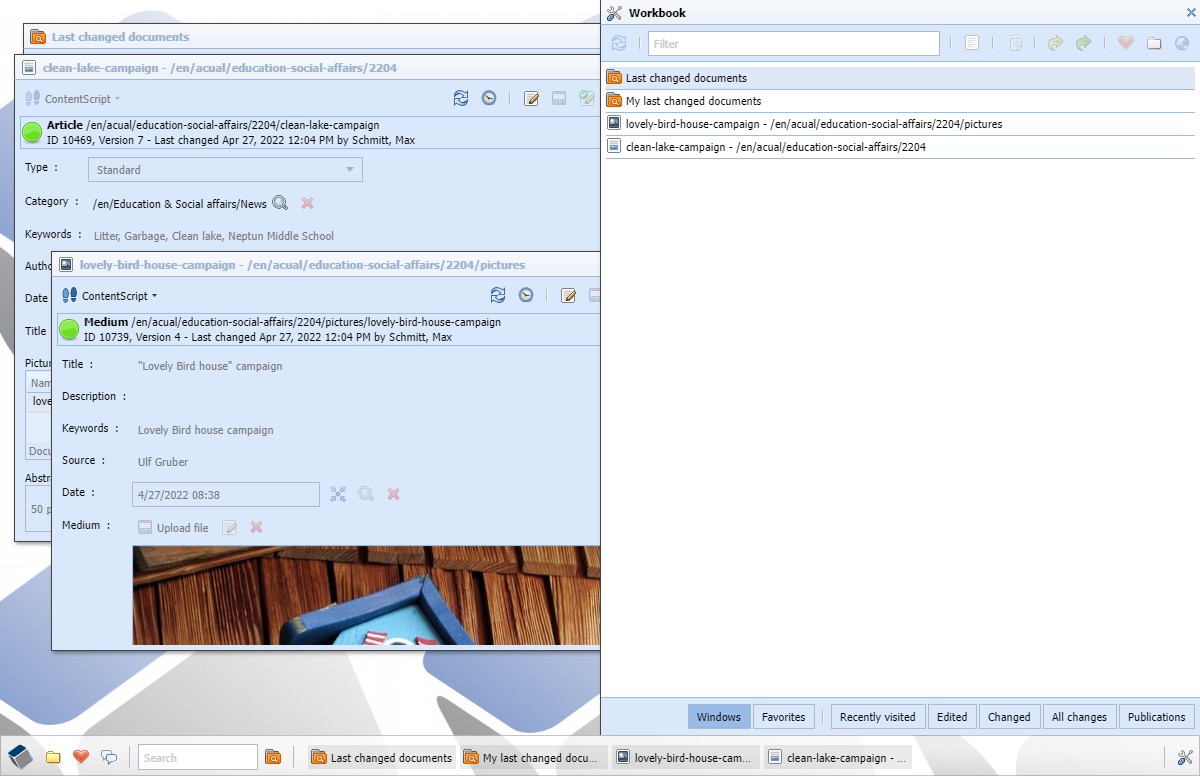
The Workbook appears with a fixed with always on the right of the desktop.
The toolbar action on top of the Workbook window contains actions targeting the documents of the Workbook.
 | Update | ||
| Filter | |||
 | Enter | Open | |
 | Ctrl+C | Copy | |
 | Release | ||
 | Publish | ||
 | Save as favorite | ||
 | Alt+E | cmsExplorer | |
 | Preview |
Possible actions in the Workbook
After entering a search term in the filter field elements containing this term are shown. All presented information is integrated in the search. For documents this means: name, path, document type. In case of windows only the window title is searchable.
The feature selection of the Workbook is located at the bottom. For a fast access to the Workbook these shortcuts can be used.
| Alt+1 | Windows | ||
| Alt+2 | Favorites | ||
| Alt+3 | Recently visited | ||
| Alt+4 | Edited | ||
| Alt+5 | Changed | ||
| Alt+6 | All changes | ||
| Alt+7 | Publications |
Shortcuts to access the different tabs of the Workbook
Windows
This function shows the currently opened windows. The window bar on the bottom of the desktop shows the same information but if more an more windows are opened at the same time the areas in the window bar become steadily smaller. In the Workbook the windows are presented more detailed and in combination with the filter the individual windows are rediscovered quickly.
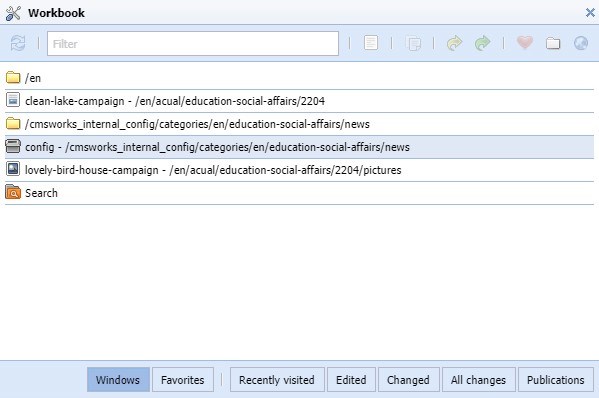
Find an open window with the help of the filter function
This view is also perfectly suitable for cleaning up after a done task. If a task is done some of the open windows that were needed for this job usually can be closed. This can be handled by going in this list and clicking on an entry. The window appears and if it isn`t used anymore only press ESC to close it.
Favorites
This function shows the documents and folders that are saved as favorite from the user. The Favorites are saved in the user settings and are also available with the next login.
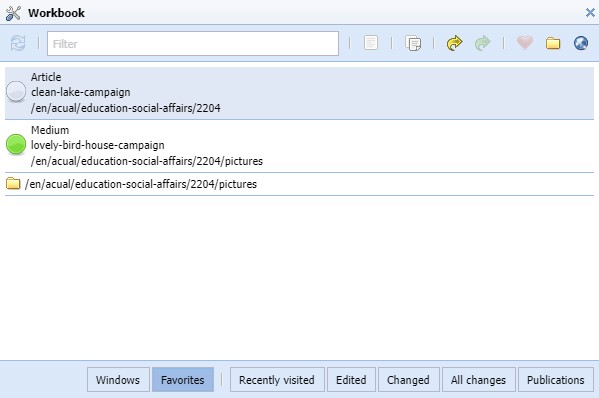
Documents and folders in the list of favorites
Recently visited
This function shows the documents that were opened from the user since the last login. Often enough a document gets closed even if it`s needed later on again. This function helps to rediscover this document quickly.
Edited
This function shows the documents that were locked for editing from the user since the last login. A locked document that is unlocked again without making changes gets also added to this list.
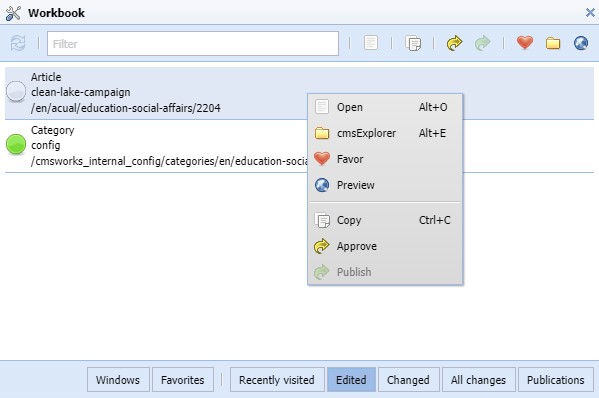
All documents that have been edited in this session and can be found in the workbook.
As illustrated in this picture all documents, folders and windows in the Workbook have a context menu that contains matched means of action.
Changed
This function shows the Last changed documents from the user. It is based on the search and therefore it also documents the changes from the previous logins.
All Changes
This function shows the Last changed documents from all users of the CMS.
Publications
This function shows all actions on documents that are published. Not only publications but also the actions of moving the document to another folder, renaming the document or deleting a version and falling back to the previous published version of this document. These information are more forensic than concerning the content.
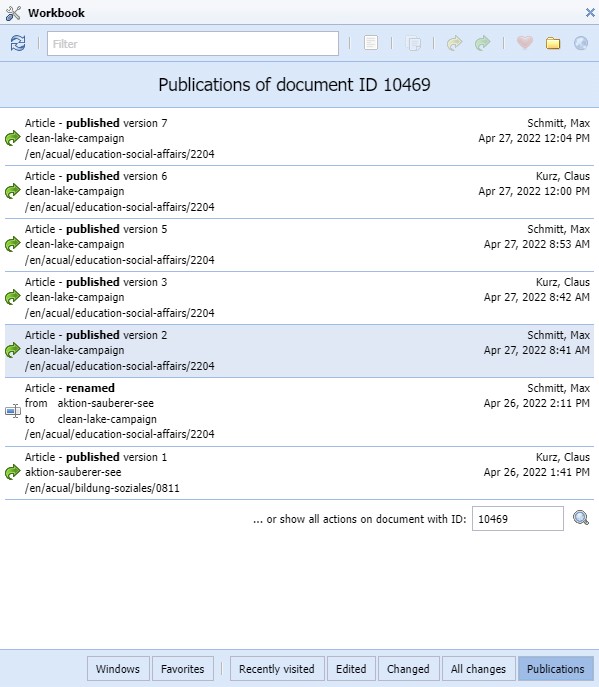
All publication actions a listed in this view.
In the context menu of an entry is an option to examine all actions on this document alone.