
1.1Login and Desktop
The cmsWorks desktop works on all modern int
ernet browsers. Recommended is using the latest versions of Google Chrome or Mozilla Firefox.
Login Screen
To access the cmsWorks desktop a user account is needed. After calling the URL your administrator provided the login screen appears and you are ready to login with your user/password.
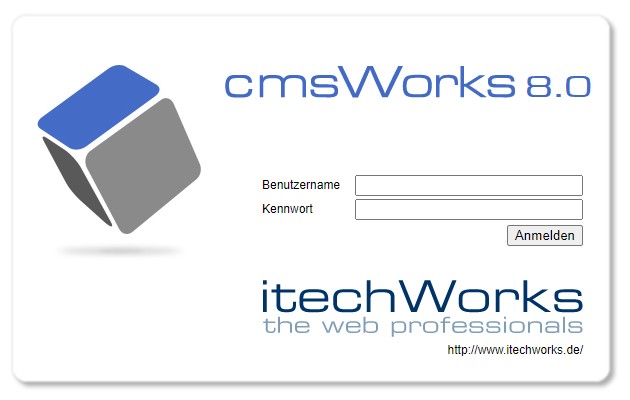
The cmsWorks login screen
cmsWorks editors desktop
On the first login the editors desktop looks vastly empty.

The cmsWorks editors desktop with the following components: (a) Main menu, (b) Quick launch icons, (c) Search field, (d) Open windows, (e) Workbook
The cmsWorks editors desktop functions work very similar to best known operating system desktop functions: Windows of various types can be opened and arranged at the desktop:
- The main menu (a) gives access to all window types and also shows all shortcuts.
- The quick launch icons (b) provide quick access to the most important window types used by an editor.
- The search field (c) of the task bar is always visible and accessible.
- Every open window is represented in the taskbar (d) giving access to window handling.
- The workbook access icon (e) toggles the workbook features presented as a sidebar.
And, by the way: The background picture and logo is customizable for every cmsWorks installation (by your administrator).